Broadway Download

Cut across

Broadway is a browser for the Mac, named for the one street that ignores Manhattan's grid. It gives each side of your day a space of its own and keeps up with your pull requests, meetings and agents.

Download for macOS

Requires macOS 27 on a Mac with Apple silicon

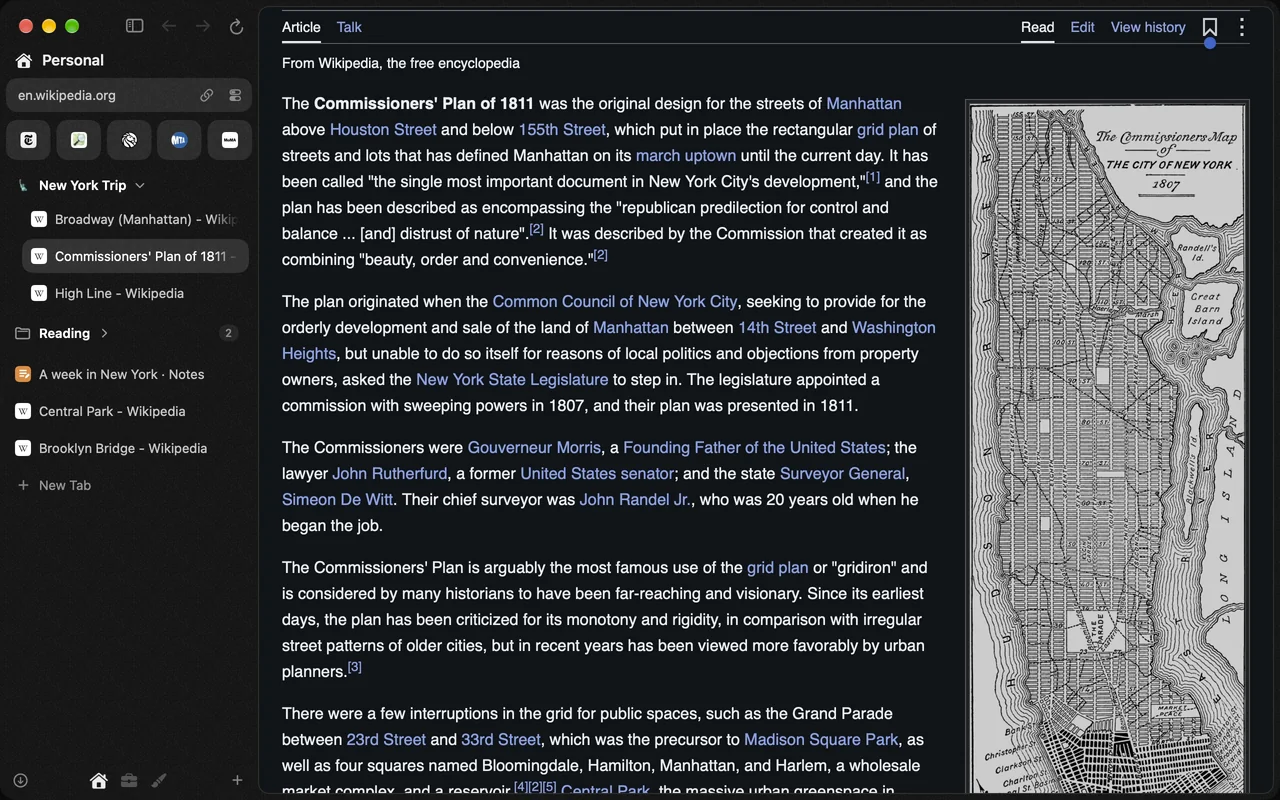
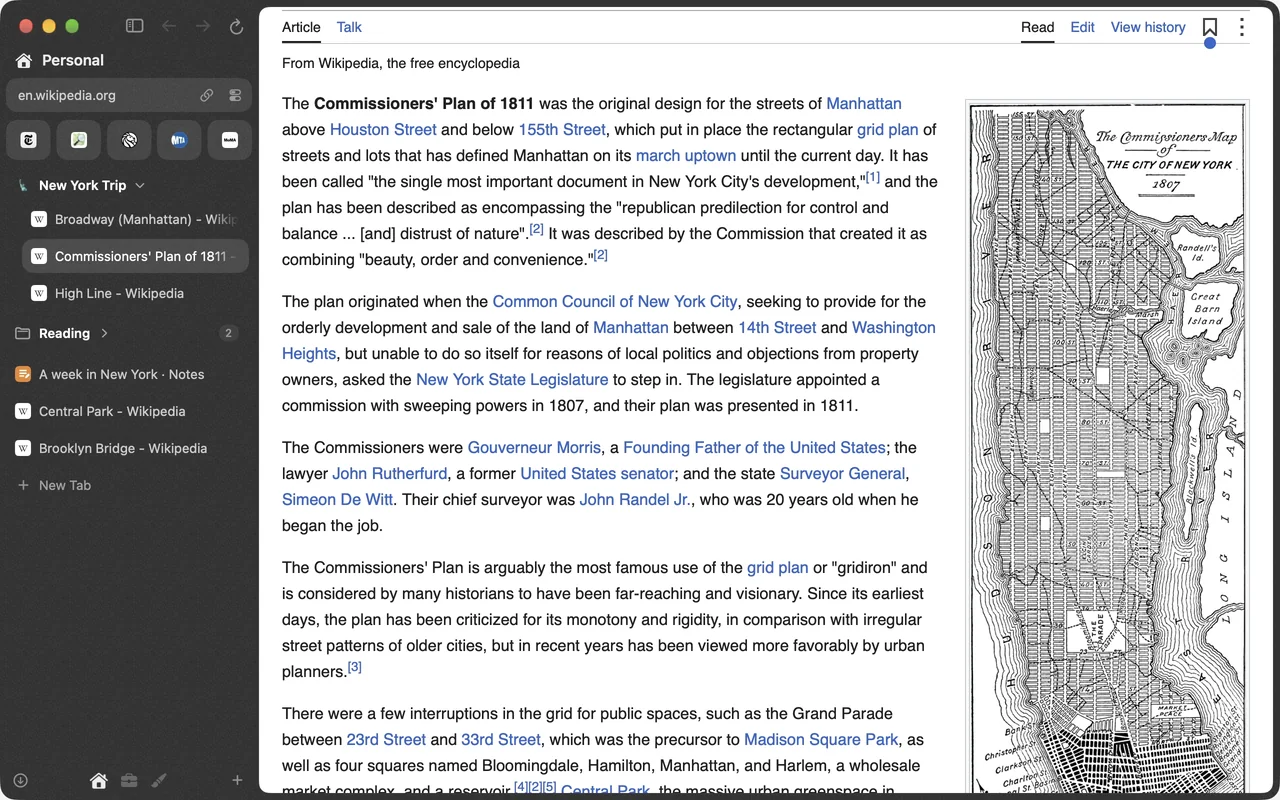
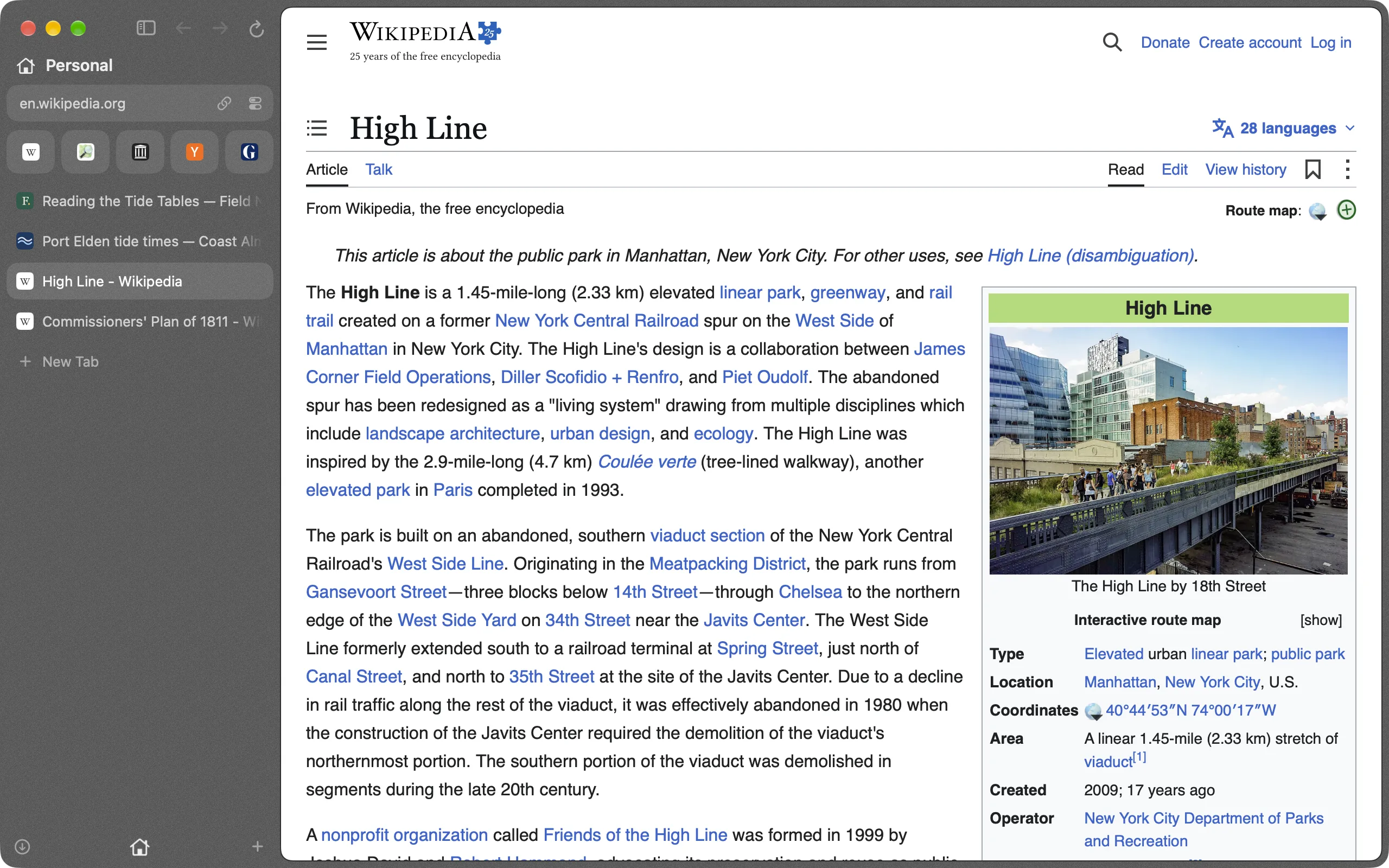
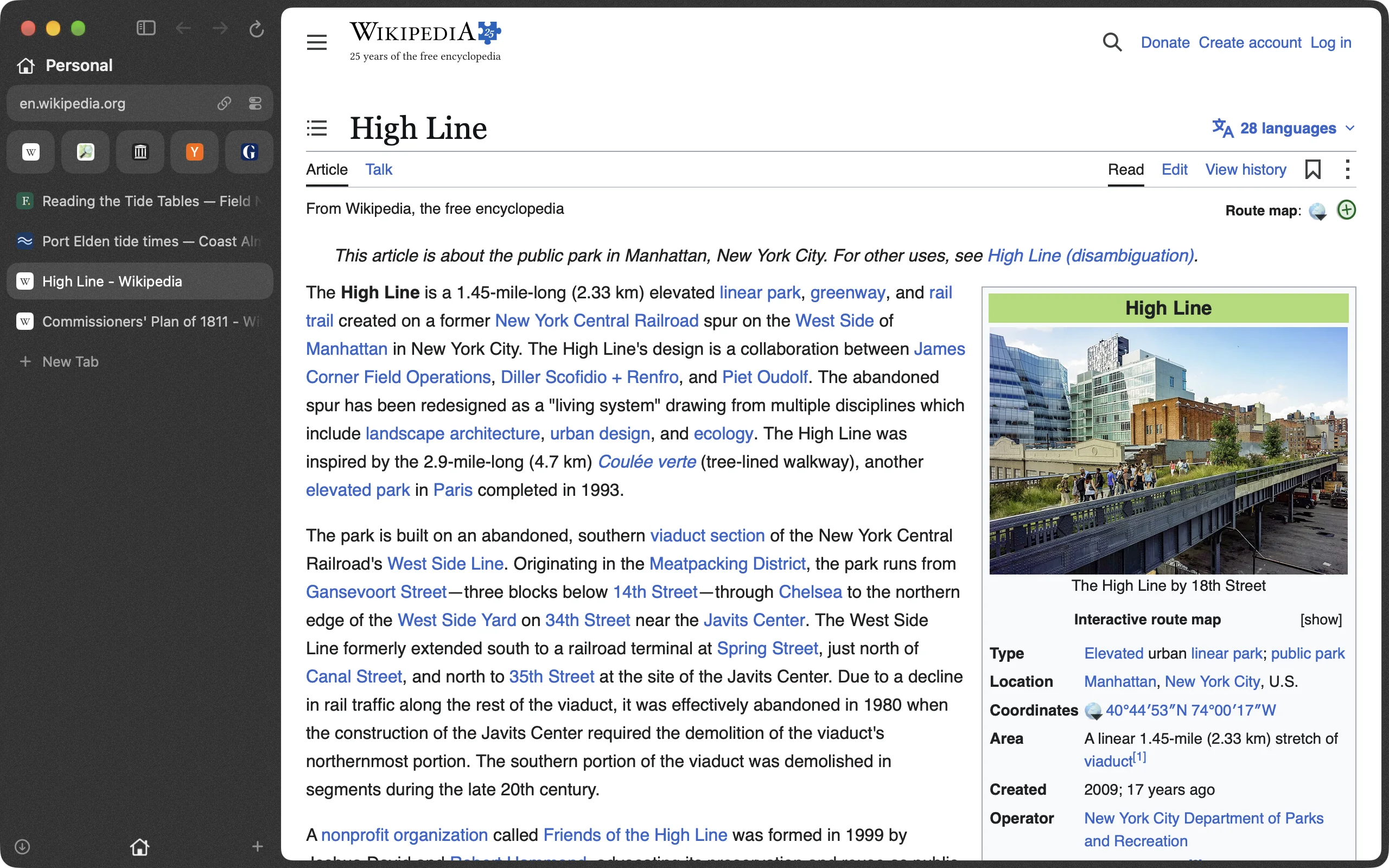
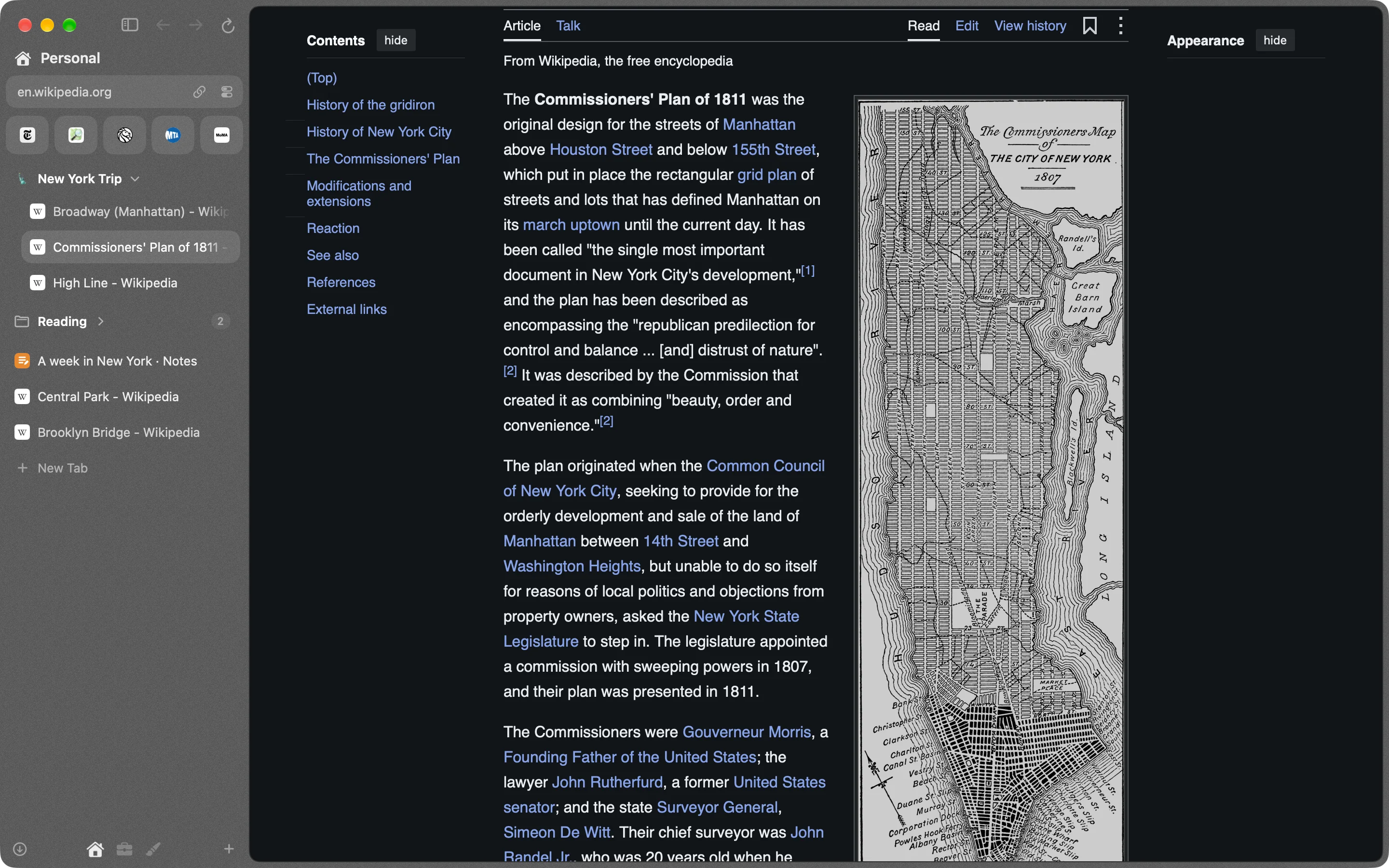
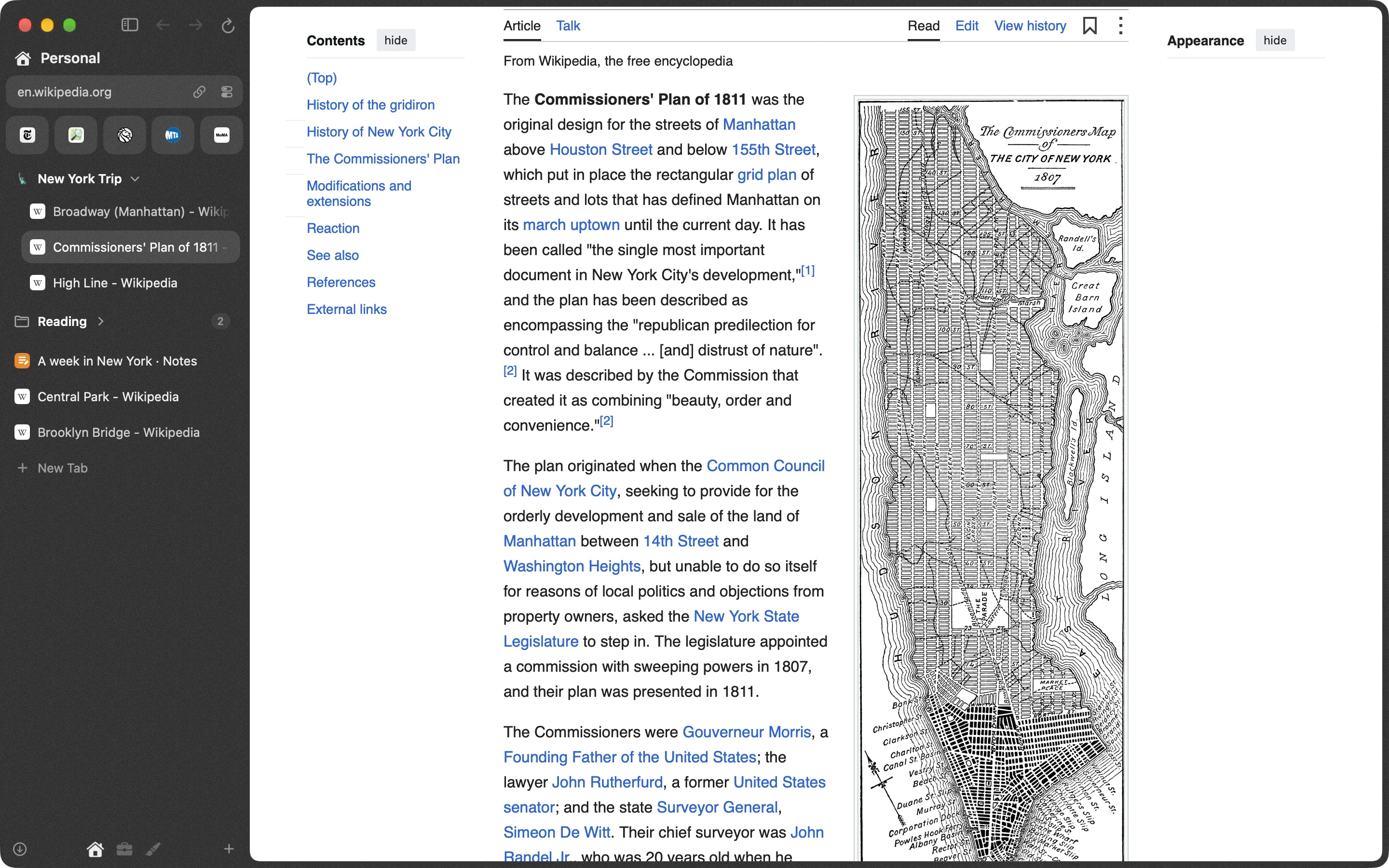
Broadway's window in dark mode: a near-black sidebar, a little see-through and grainy, with pinned tiles, a folder called New York Trip and loose tabs beside a Wikipedia article about Manhattan's street plan. Broadway's window in light mode: the same sidebar with pinned tiles, a folder called New York Trip and loose tabs beside a Wikipedia article about Manhattan's street plan.

A space for each side of your day

Personal, work, a side project. Each space keeps its own tabs, pins, folders and look, and can keep its own sign-ins, so your work account and your own never meet. Swipe two fingers across the sidebar and the whole window follows.

Two pages, one window

Drag a tab onto the edge of a page, or press ⌥⌘N, and the window splits in two. Each side has its own back, forward and reload. Drag the divider to give one side more room.

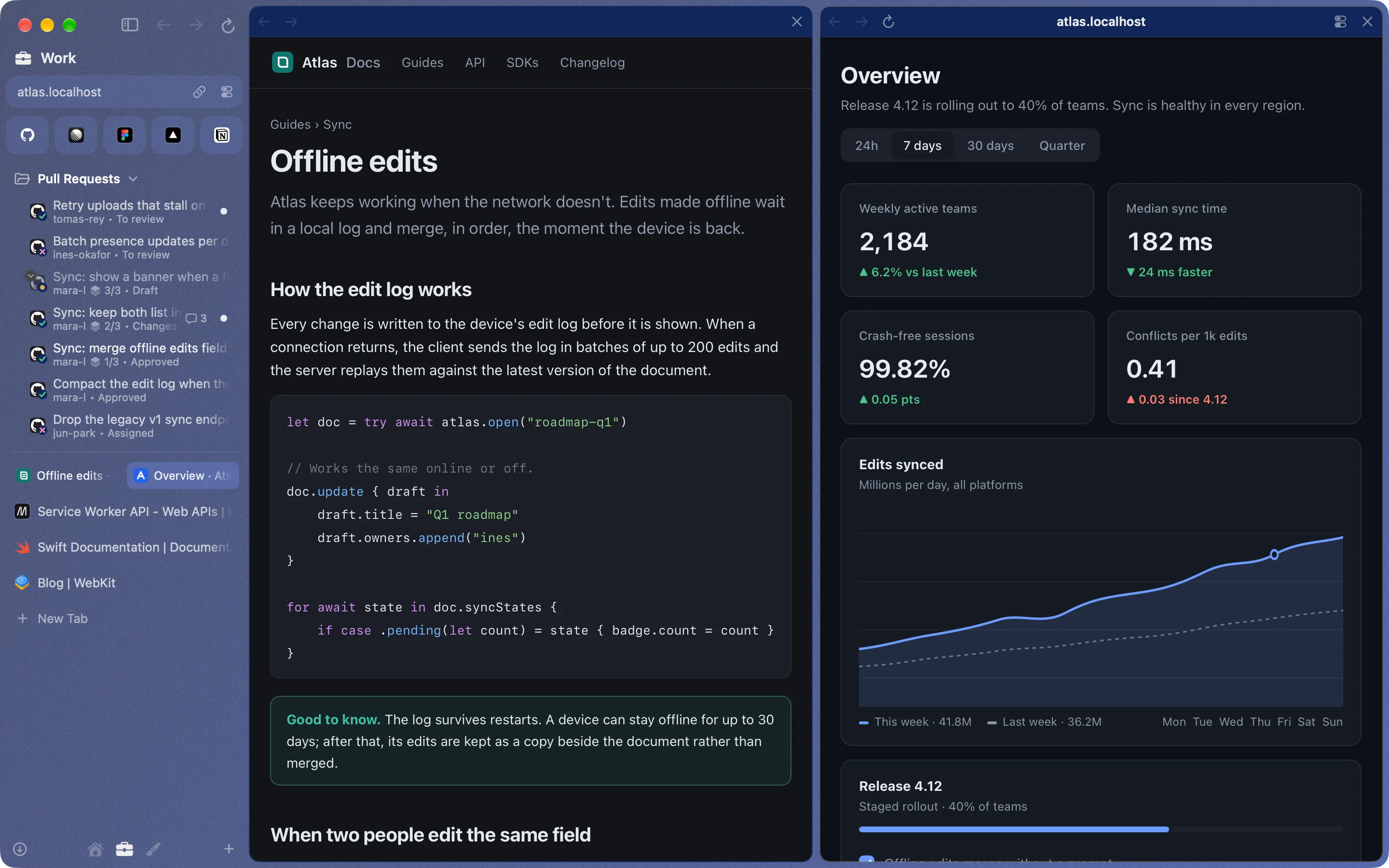
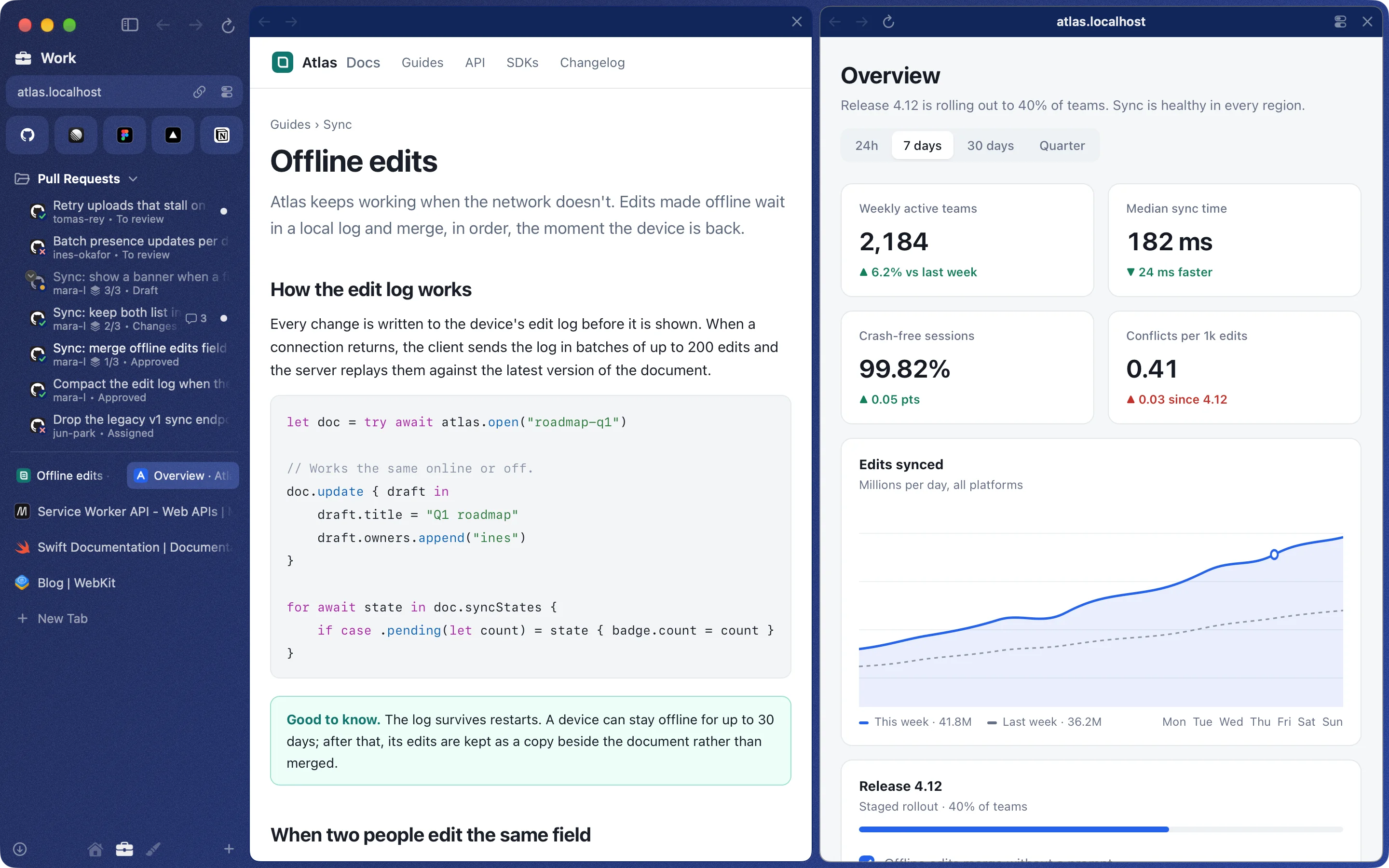
Split view in dark mode: a documentation page on the left and a dashboard on the right, each pane with its own bar. Split view in light mode: a documentation page on the left and a dashboard on the right, each pane with its own bar.

Leave the tab, keep the video

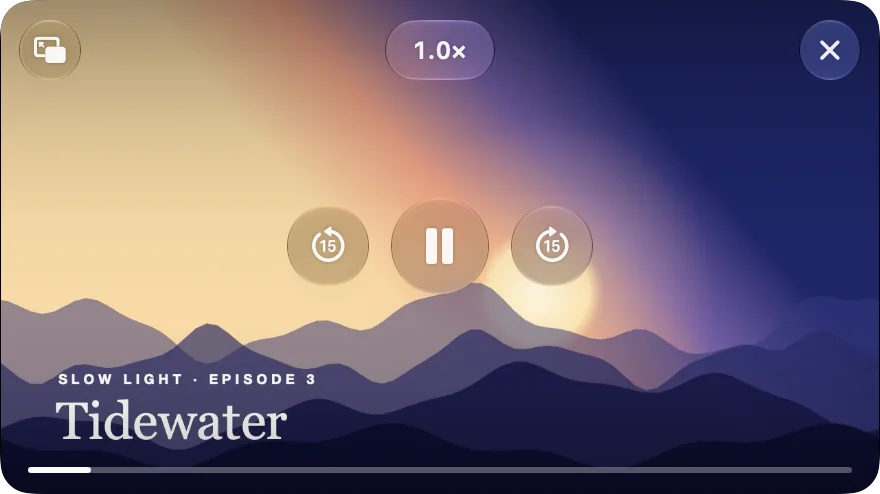
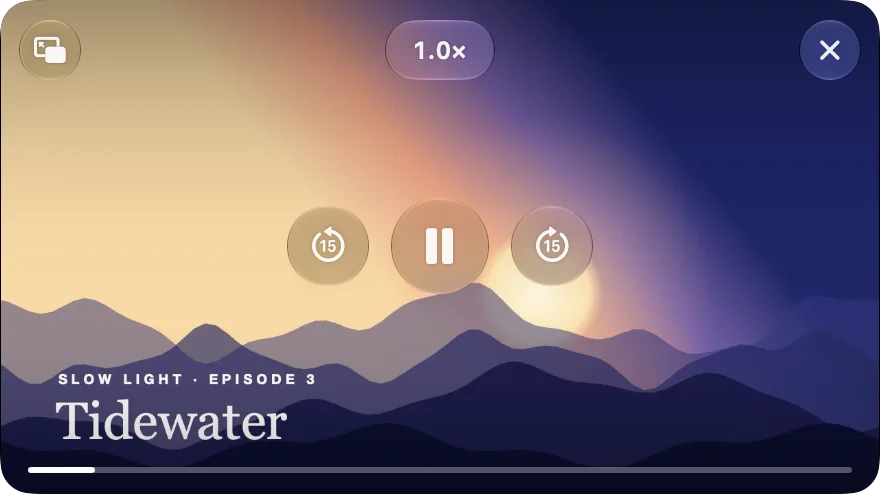
The video you were watching floats in a corner when you move to another tab, another space or another app. Skip fifteen seconds either way or change the speed from the video itself. Go back to its tab and it goes home.

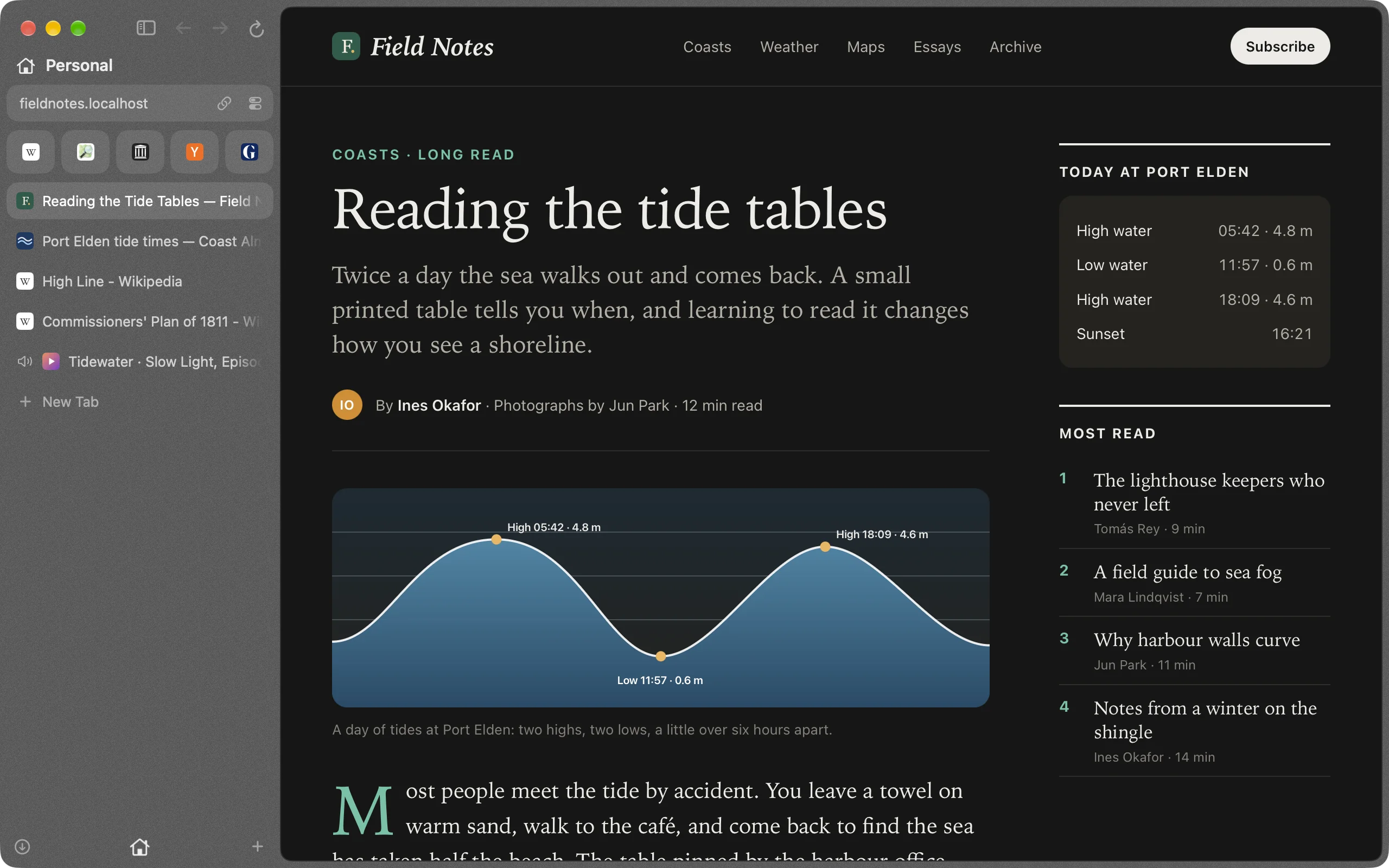
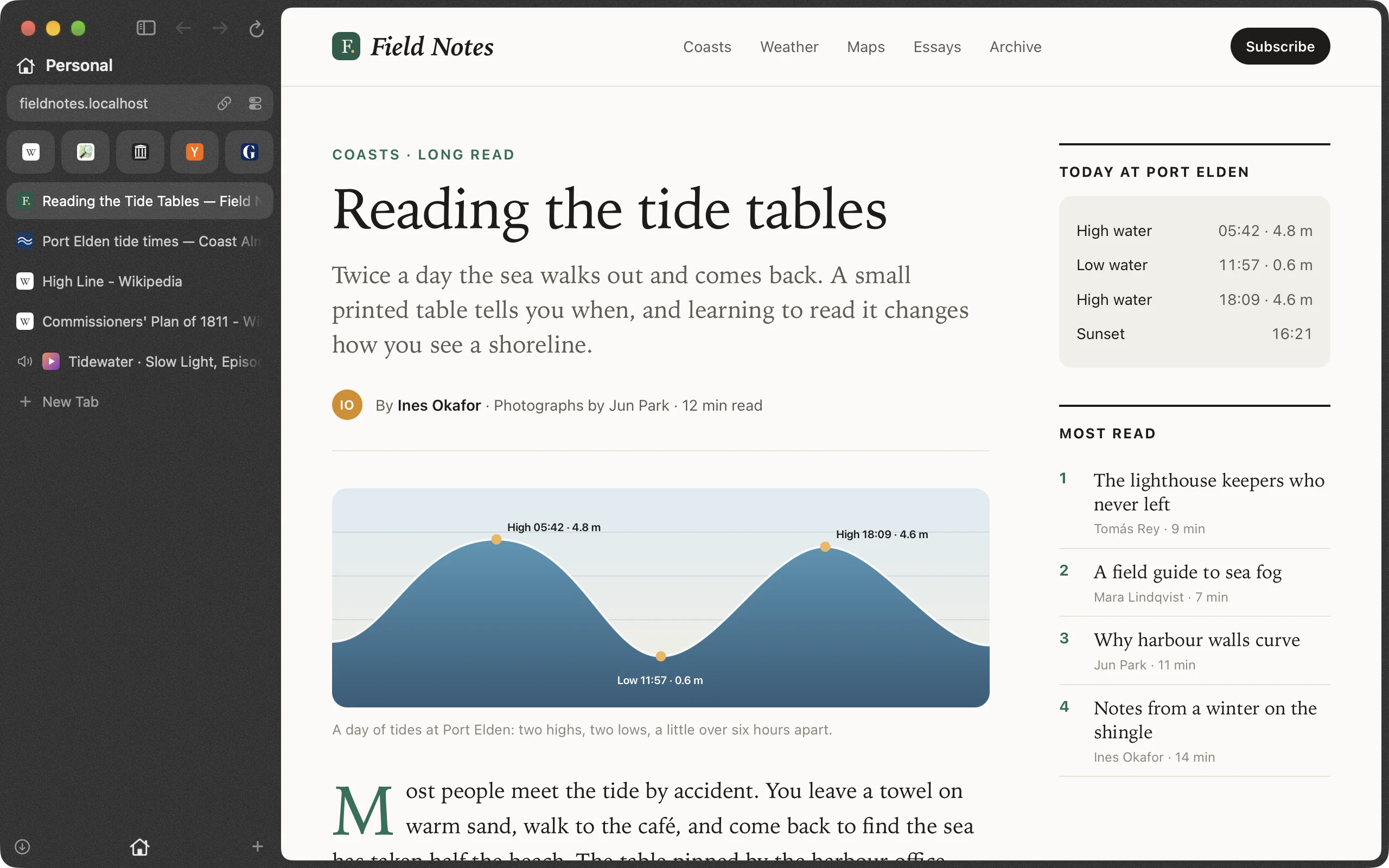
Broadway's window in dark mode, open on an article about tide tables. In the sidebar, another tab is still playing a film. Broadway's window in light mode, open on an article about tide tables. In the sidebar, another tab is still playing a film.
The film from the other tab, floating over the corner of the window with glass controls: back to its tab, speed, close, back and forward fifteen seconds, pause, and a progress bar. The film from the other tab, floating over the corner of the window with glass controls: back to its tab, speed, close, back and forward fifteen seconds, pause, and a progress bar.
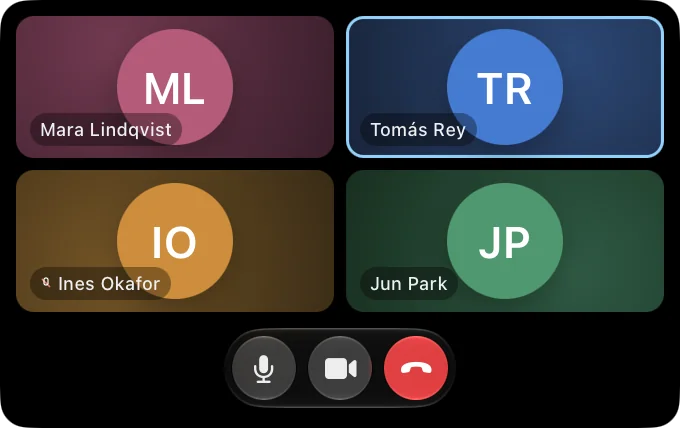
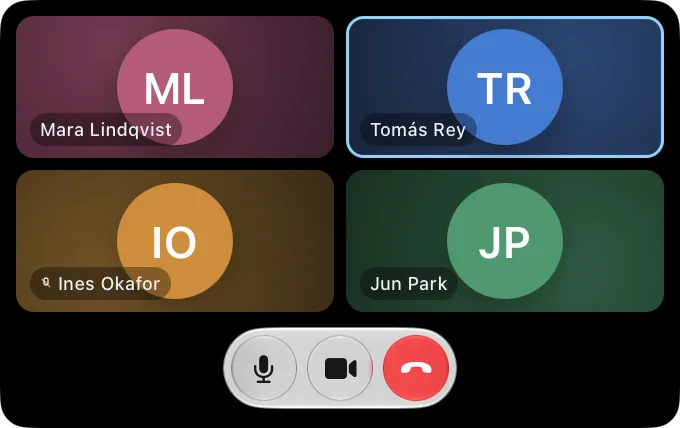
A floating call window: four people in a grid, one of them speaking, with microphone, camera and leave buttons beneath. A floating call window: four people in a grid, one of them speaking, with microphone, camera and leave buttons beneath.

Calls float too

Leave the tab during a call and the call follows you as a small window that shows only the people, with mute and camera close at hand.

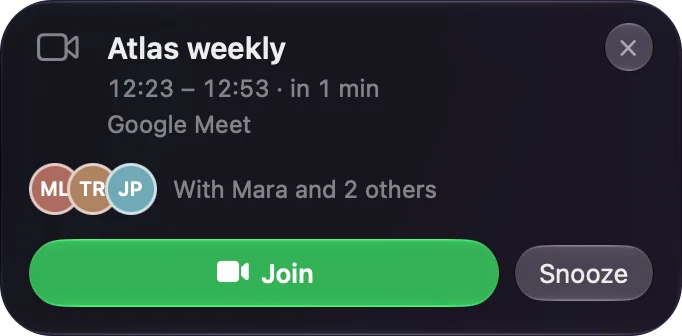
A meeting alert: Atlas weekly, in 1 min, on Google Meet, with Mara and 2 others, and buttons to join or snooze. A meeting alert: Atlas weekly, in 1 min, on Google Meet, with Mara and 2 others, and buttons to join or snooze.

Meetings find you

Once Broadway can see your calendar, a card appears a minute before a meeting with Join, even when Broadway is behind other apps. The call opens in the space it belongs to.

At home on your Mac

  • It looks like the rest of your Mac The menus and controls are the Mac's own, in light and dark, with Liquid Glass on the address field, Find and the floating video.
  • Passwords stay in your keychain They are saved in the macOS keychain and shown with Touch ID.
  • Sites work the way they already do Pages run on WebKit, the web engine that comes with macOS.
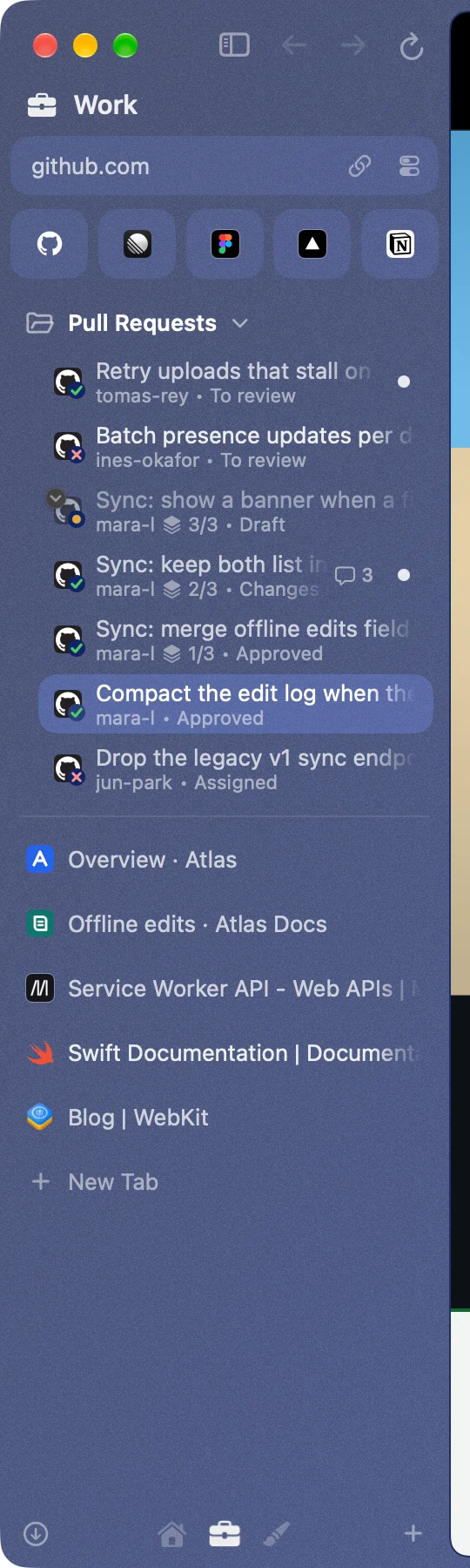
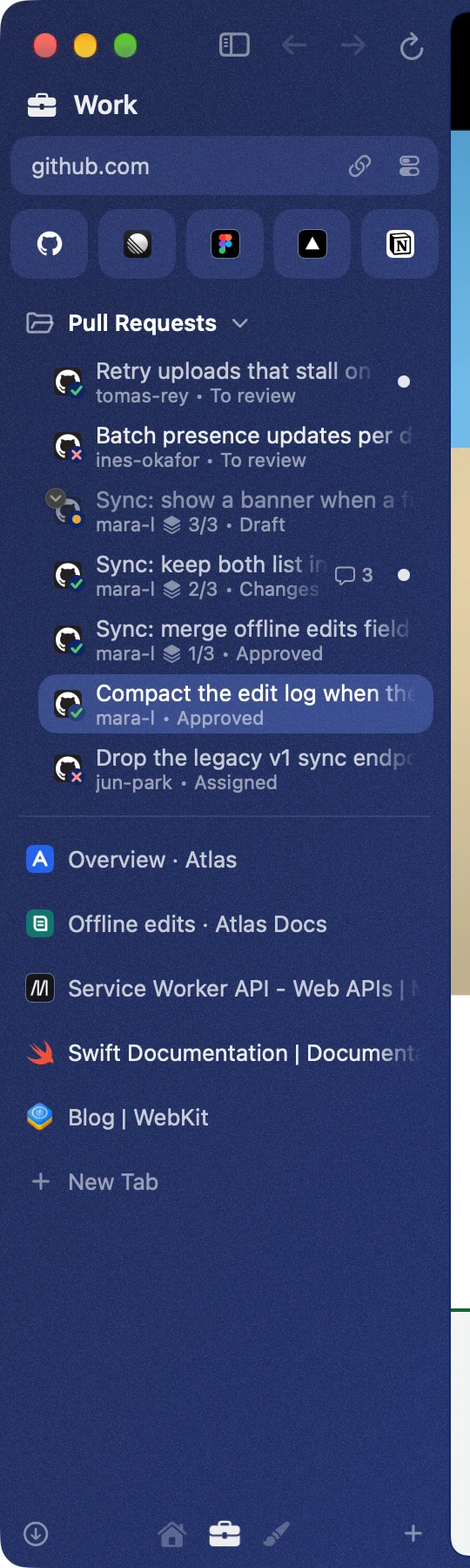
A Pull Requests folder in the sidebar: seven rows with passing and failing checks, a stack of three with a draft, a change request and an approval, and dots for new activity. A Pull Requests folder in the sidebar: seven rows with passing and failing checks, a stack of three with a draft, a change request and an approval, and dots for new activity.

Pull requests live where your tabs do

A folder in the sidebar follows the pull requests waiting on you. There is no token to paste: it reads the GitHub you are signed in to. Each row shows its checks, its review and the comments still unanswered. A merged one celebrates and leaves.

Drive it from a terminal

Switch it on in Settings and the broadway command opens pages, reads them and clicks through them, so your scripts and coding agents can use the browser you are signed in to.

$ broadway open https://example.com
$ broadway snapshot
$ broadway click @e3
$ broadway read | head
Agents get a corner of their own

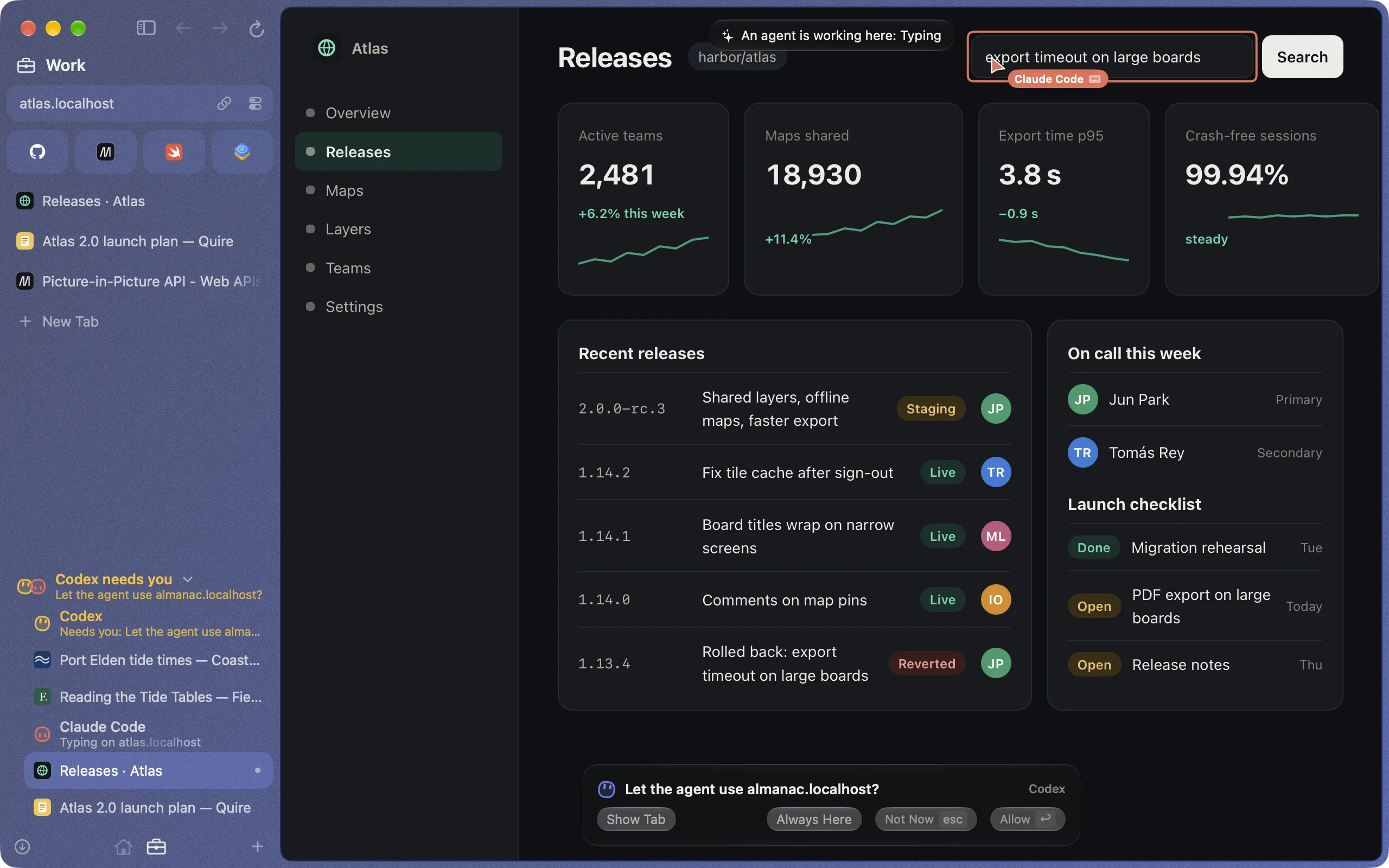
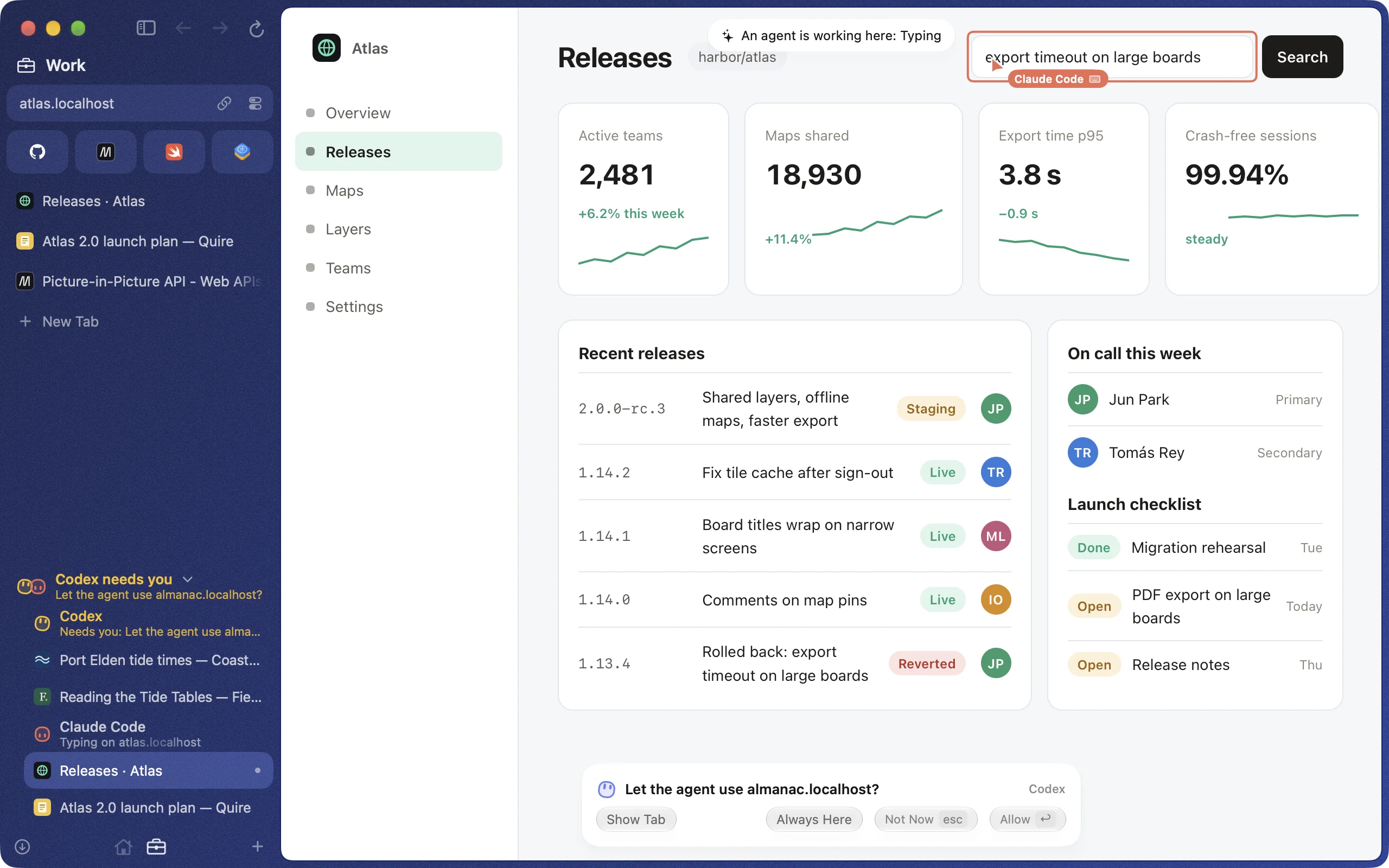
Let agents use Broadway and each one works in tabs of its own, folded under one Agents row at the foot of the sidebar. When one needs a yes, the row shows its question and one press takes you to the tab that asks. On the page you see where the agent is, and ⌘. takes over.

Two agents at work in Broadway, dark mode: Claude Code types into a search field under a pointer with its name, and Claude waits for an answer to a question shown at the foot of the page. At the foot of the sidebar the Agents row is unfolded: it says Claude needs you, with each agent's tabs under its name. Two agents at work in Broadway, light mode: Claude Code types into a search field under a pointer with its name, and Claude waits for an answer to a question shown at the foot of the page. At the foot of the sidebar the Agents row is unfolded: it says Claude needs you, with each agent's tabs under its name.
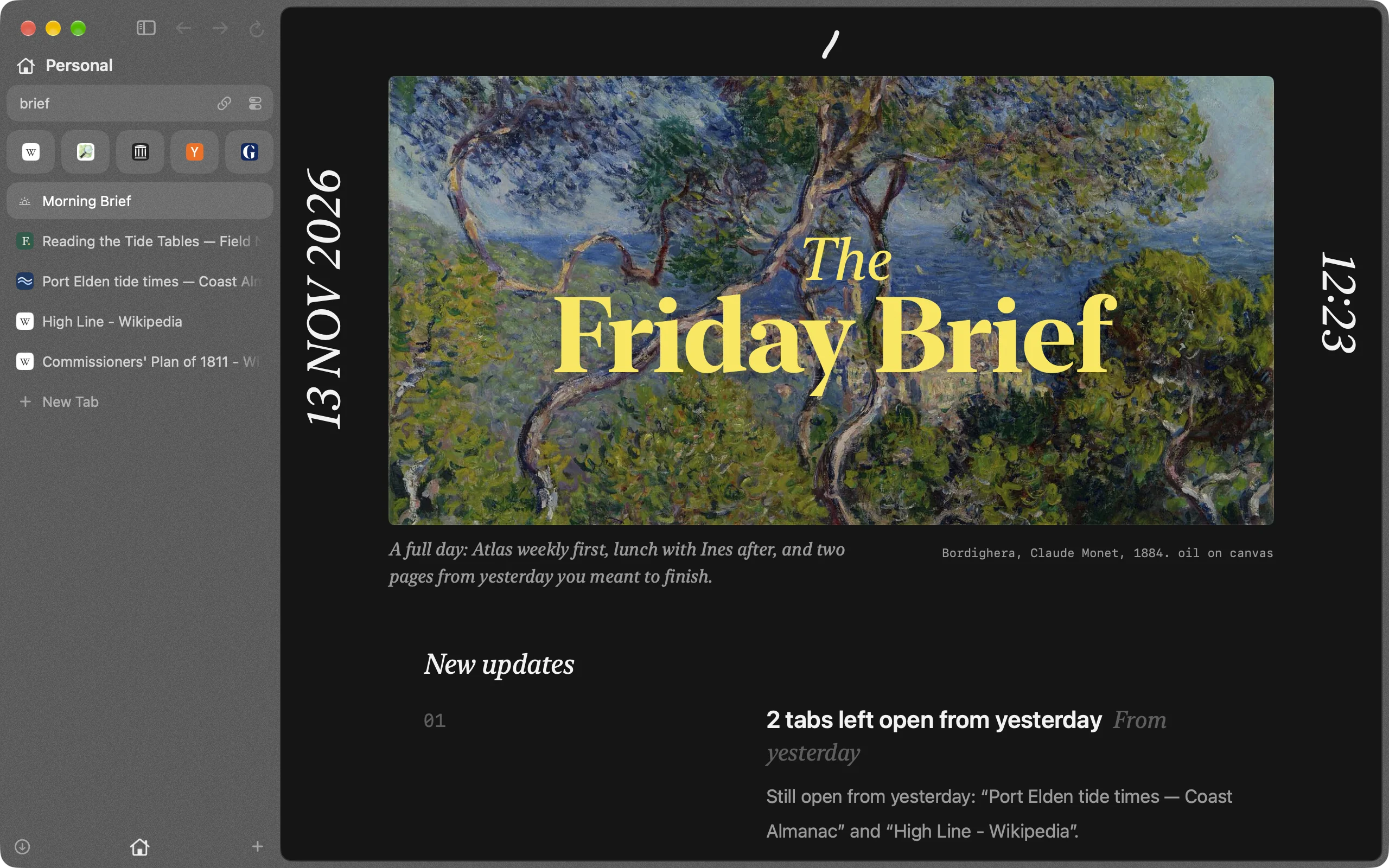
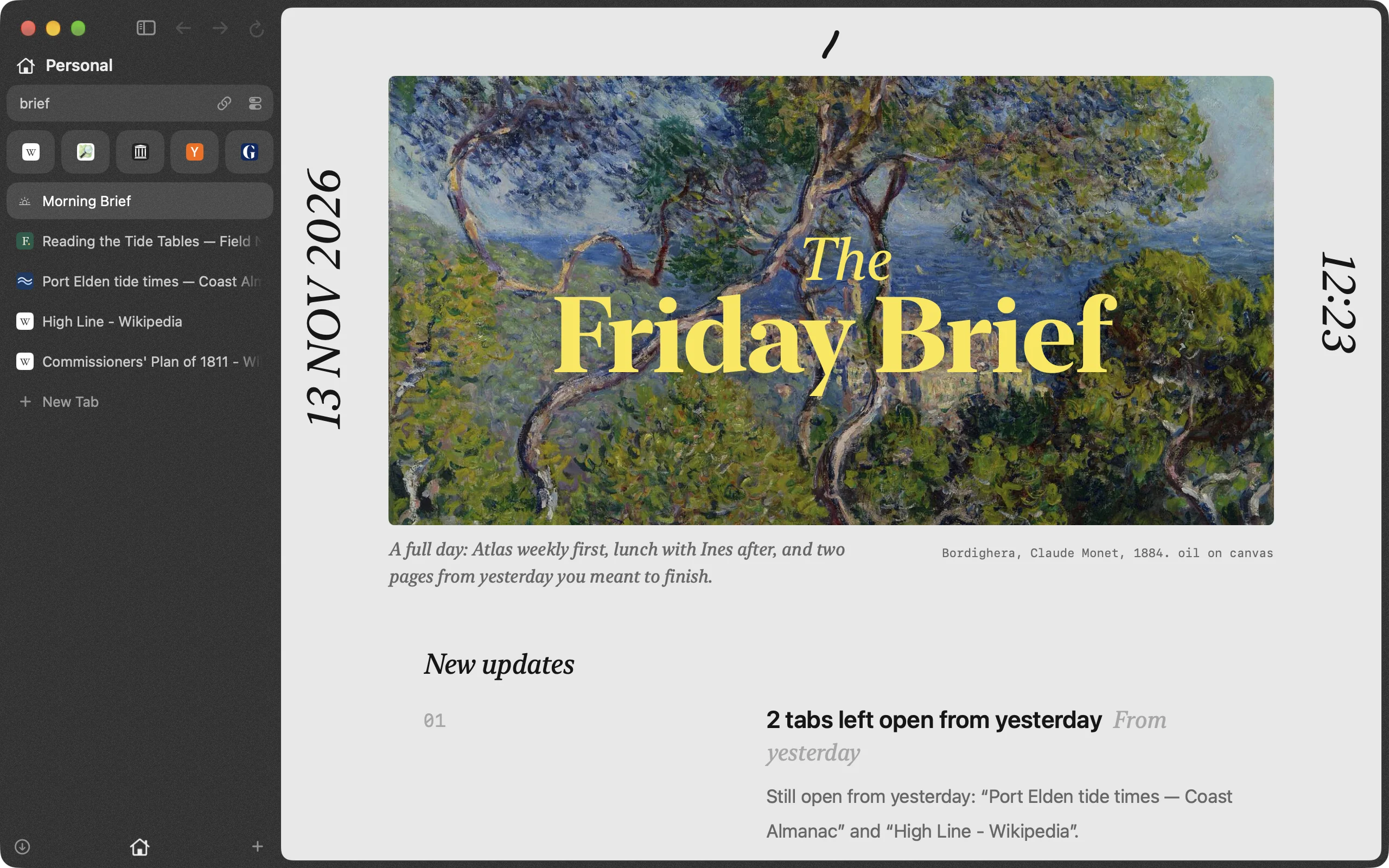
The Morning Brief tab: the brief, named for its day of the week, set over a landscape painting, with one line about the day beneath it. The Morning Brief tab: the brief, named for its day of the week, set over a landscape painting, with one line about the day beneath it.

A brief with the first tab of the morning

Once a morning a brief arrives as a tab: today's meetings, the weather, what needs you and what you left open yesterday.

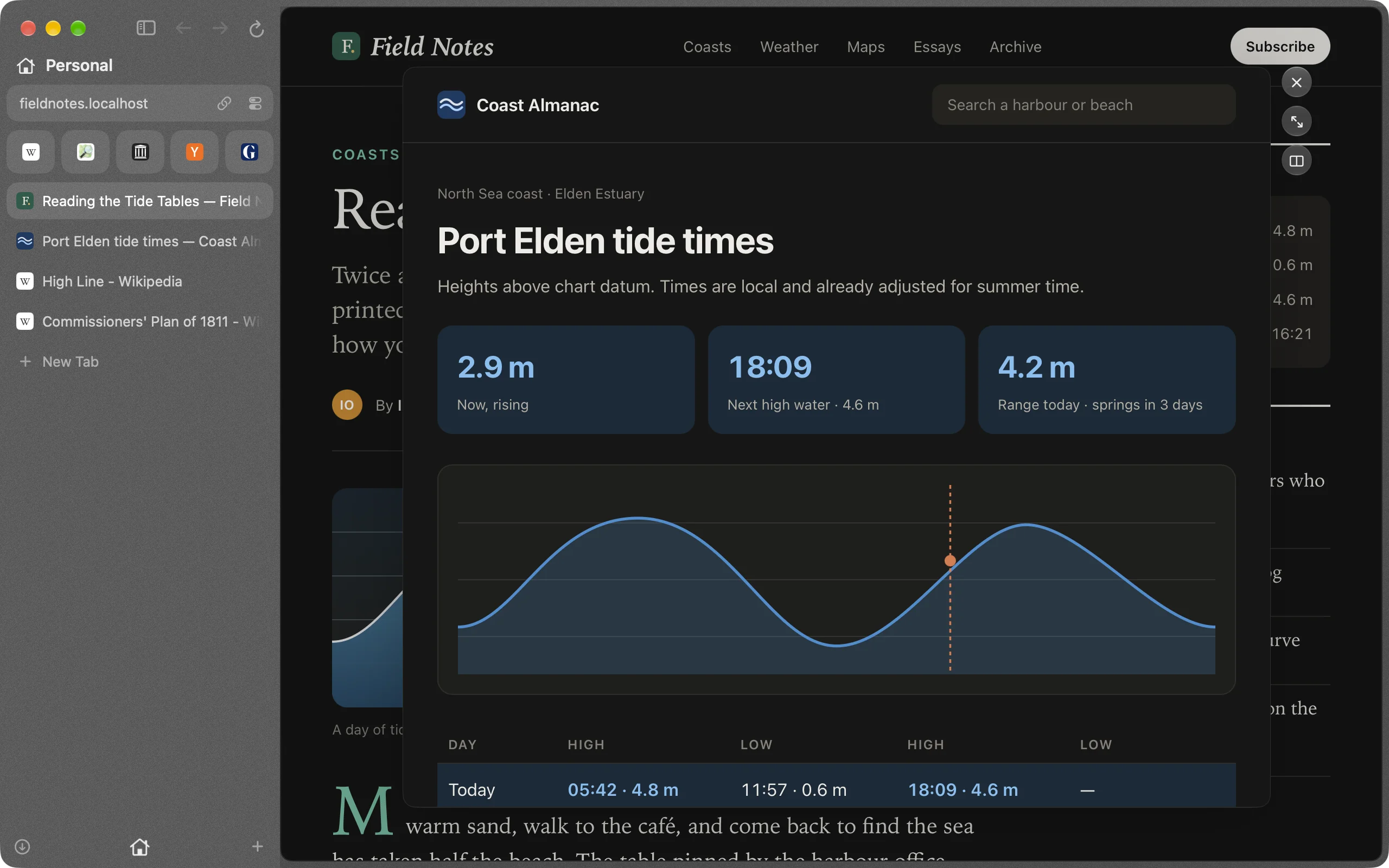
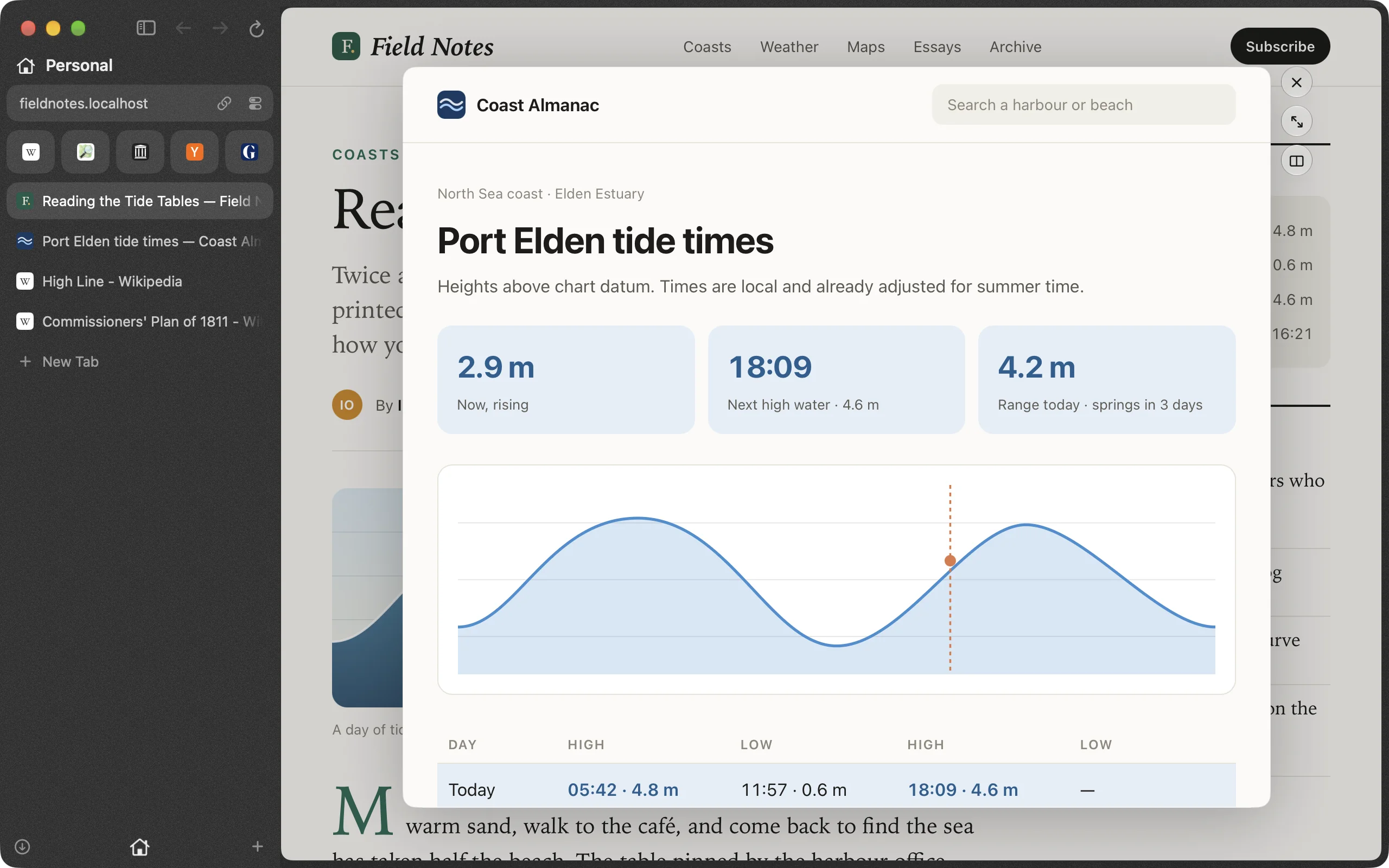
A tide times page opened in Peek over the article that linked to it, with buttons to close it, open it as a tab or keep it beside. A tide times page opened in Peek over the article that linked to it, with buttons to close it, open it as a tab or keep it beside.

Peek at a link without leaving the page

Shift-click a link and it opens in a panel over the page. Close it, open it as a tab, or keep it beside what you were reading.

Quiet until you say so

Ads and trackers, blocked
Blocking is on from the first launch, with nothing to install. Tracking across sites is prevented, and links you open from other apps arrive without their tracking codes.
Private windows that keep nothing
Close a private window and its sign-ins and cookies are gone. Its history was never written.
A say over every site
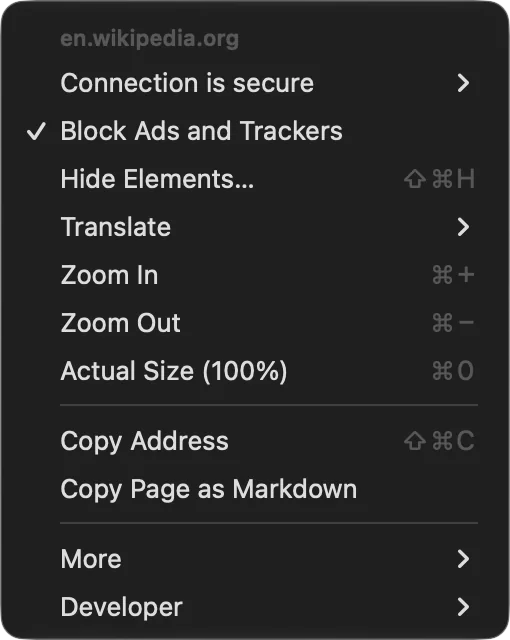
A site asks before it uses your camera, microphone, location, notifications or local network, and your answer is kept for that site alone. ⌘E opens the controls for the site you are on.
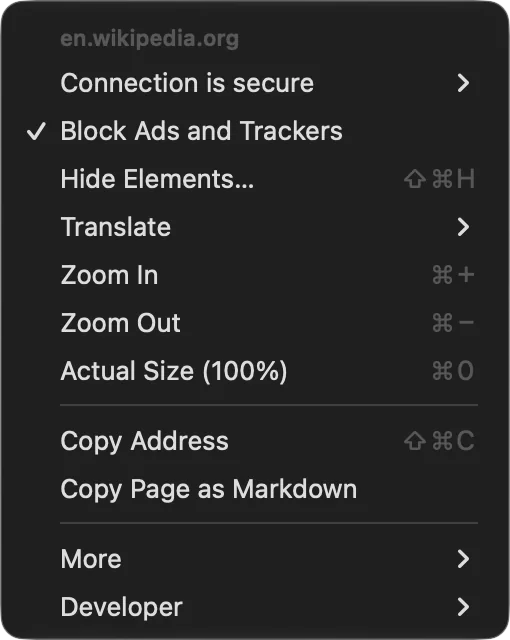
The top corner of Broadway's window on a Wikipedia article, with the site controls menu open under the address field. The top corner of Broadway's window on a Wikipedia article, with the site controls menu open under the address field.

And the small things

  • Undo for tabs ⌘Z brings back a closed tab, a moved one or a renamed folder, thirty steps deep.
  • Speed keys Press S for slower, F for faster and D for normal on any video, from half speed to three times.
  • Answers in the address field Sums, units, time zones, dates and currencies are worked out before you press Return.
  • Link rules Decide which space a link from another app opens in.
  • Copy Page as Markdown Paste a page into your notes, or hand it to the agent you are briefing.
  • Translate in place Read a page in a language you do not know, translated where it stands.
  • Chrome extensions Many install straight from the Chrome Web Store.
  • Bring things over Import bookmarks and passwords from the browser you use now.
  • Updates on their own Broadway checks for a new version and installs it for you.
  • Any look you like Start from Noir, Gray, Glass, Dusk, Paper or Midnight, or mix a colour, a gradient, glass and grain yourself.
Broadway's icon: a dark map of Manhattan's street grid with one white line crossing it.

Take Broadway

Download Broadway and bring your bookmarks and passwords with you. It keeps itself up to date from there.

Download for macOS

Requires macOS 27 on a Mac with Apple silicon